Scan a Worksheet and Get It Explained
Your child sits in front of the math sheet and says: "I don't get it." You take a look and realize the school teaches it differently from how you learned it. You explain it your way, your child is even more confused, and in the end everyone is frustrated.
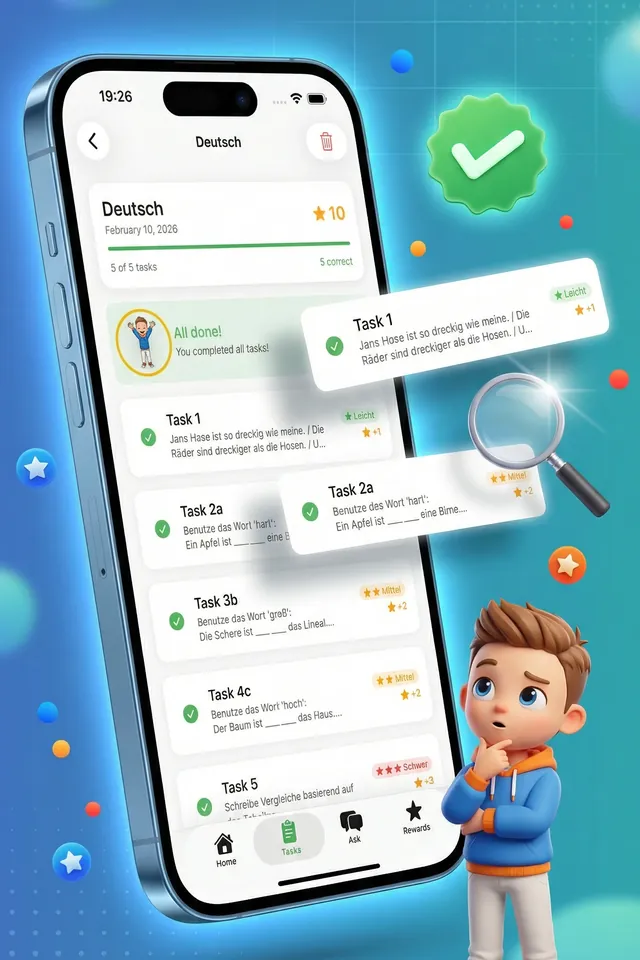
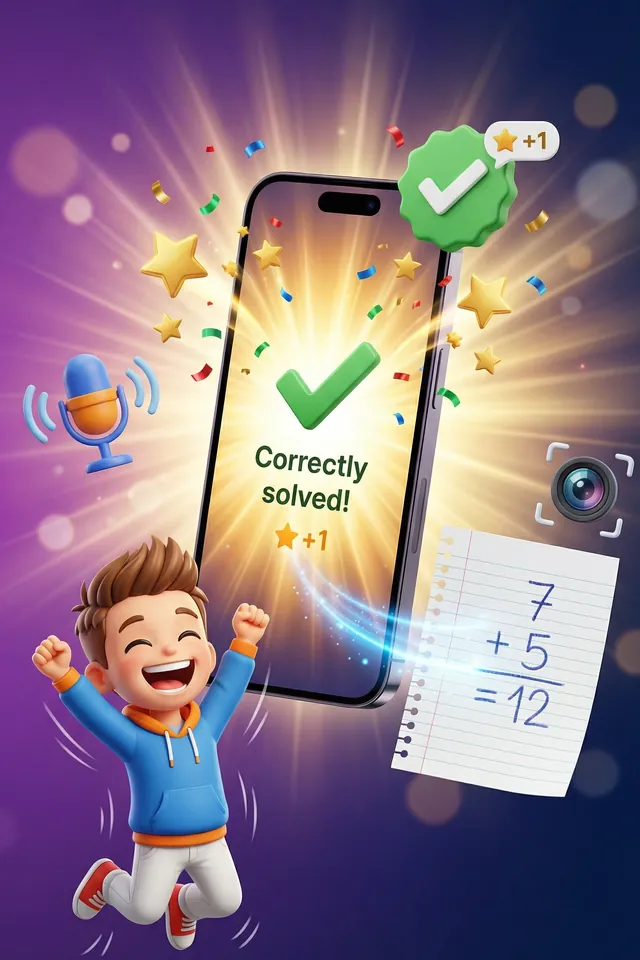
This is exactly what Gennady's scan feature is for. Your child photographs the worksheet, and Gennady explains each task the way a patient tutor would: in simple language, step by step, with examples. Then your child answers, and Gennady checks the answer. If the answer is wrong, there are hints first; Gennady shows the correct solution for comparison only on the third try. Good to know: if your child gets stuck, they reveal the next hint. The last hint leads right up to the result; your child takes the last step on their own.
How scanning works
- 1
Take a photo
Your child holds the camera over the worksheet and takes a picture. This works for math, language, science and other subjects.
- 2
Tasks are detected
Gennady automatically detects the individual tasks on the sheet, including sub-tasks like a, b and c. Your child picks the task they need help with.
- 3
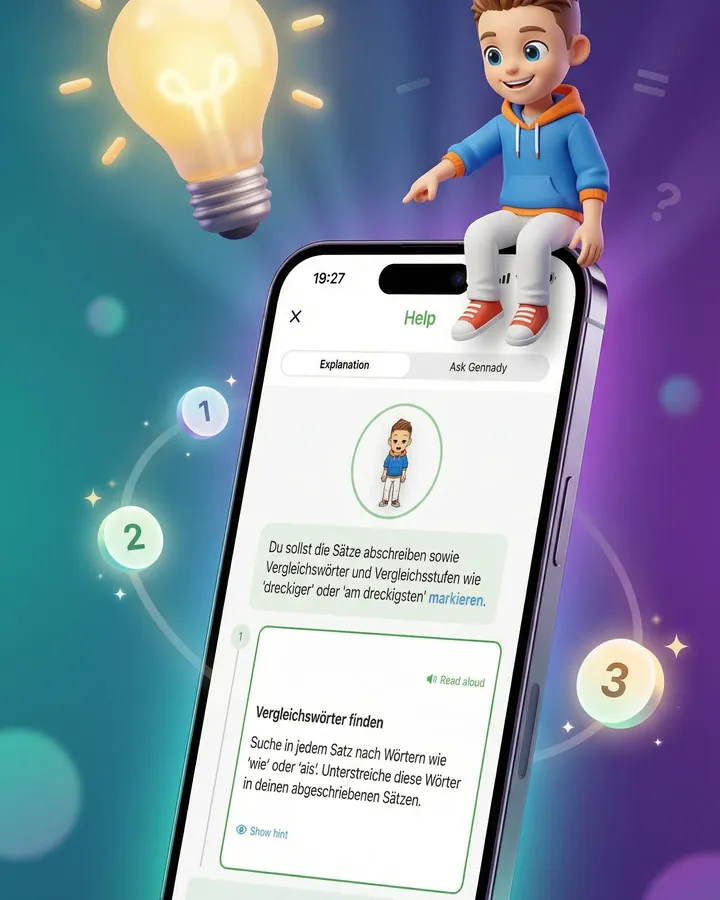
Understand step by step
Gennady explains the task in child-friendly, age-appropriate language: what is being asked, how to approach it, and what to watch out for. Your child can also have the explanation read aloud.
- 4
Answer independently
Your child solves the task and enters the answer: spoken, typed or as a photo of the sheet. Gennady checks it. If the answer is wrong, there are hints first; Gennady shows the correct solution for comparison only on the third try.
Frequently asked questions
Does Gennady just tell my child the solution?
Gennady first explains the approach in steps. Some steps come with tips behind the "Show hint" button. The last hint leads right up to the result; your child takes the last step on their own. When your child answers, Gennady checks it. If the answer is wrong, there are hints first; Gennady shows the correct solution for comparison only on the third try. You could agree with your child to open the hints only after trying on their own.
Which subjects and task types are supported?
Gennady scans and explains worksheets from math, language, science and more. The task type is detected automatically: calculations, word problems, fill-in-the-blank, multiple choice and free answers. Very blurry copies or handwriting on the sheet can push recognition to its limits; a new photo in better light usually helps.
Will my child understand the explanations without my help?
The explanations are written for children aged 6 to 11 and adapt to your child's age. Beginning readers can have every explanation read aloud. It is still worth doing the first few scans together so your child knows the flow.
What happens to the worksheet photos?
What happens to the photos, how long they are kept and which service providers receive them is set out in our privacy policy.
Gennady was built for children aged 6 to 11: no ads, and a math question for parents before sensitive actions such as deleting the account. Read more on our page Safety at Gennady.
Want to dig deeper into how children learn to really understand task instructions? Read our guide Understanding tasks.
Just scan the next worksheet
Gennady explains in child-friendly language and checks the answer. Download it free from the App Store and try it.